WiFi or no WiFi baby monitor: how to choose
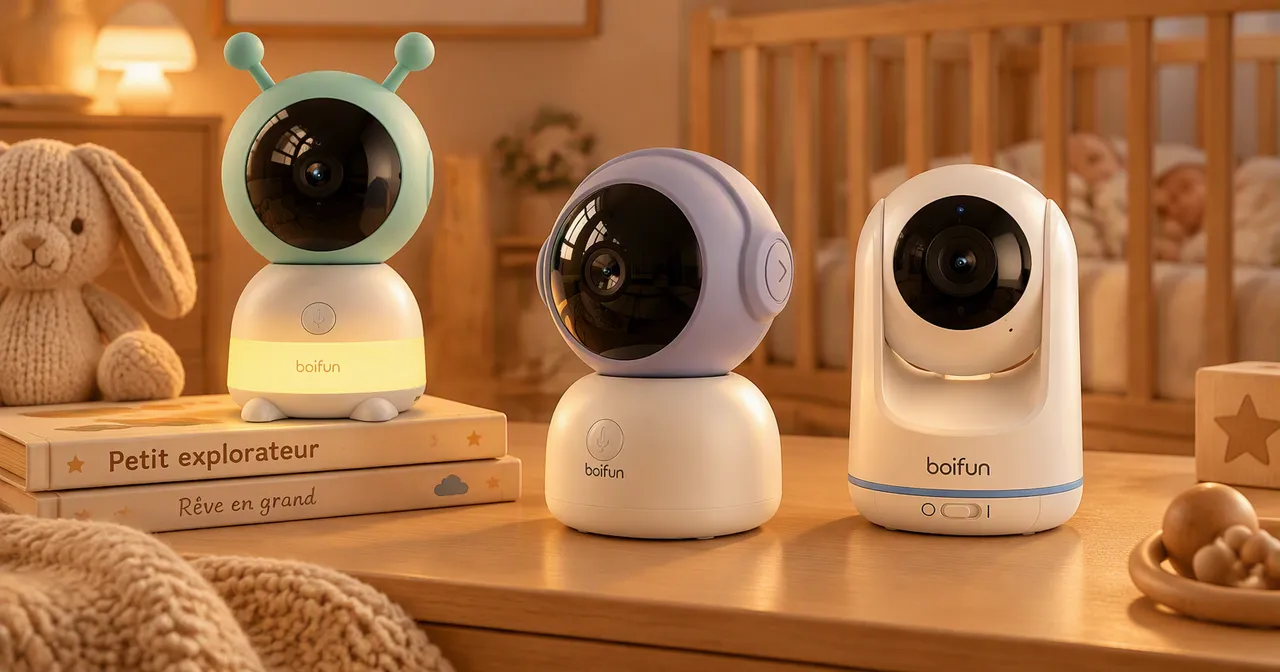
With or without WiFi, the real question is not the technology but the use: do you want to watch from your phone, or is the supplied screen enough? This guide explains how the two families work, what each one brings and what it demands, so you can decide for your home. It does not present models: two dedicated pages exist for that, named at the end of the guide.
How a direct-link baby monitor works
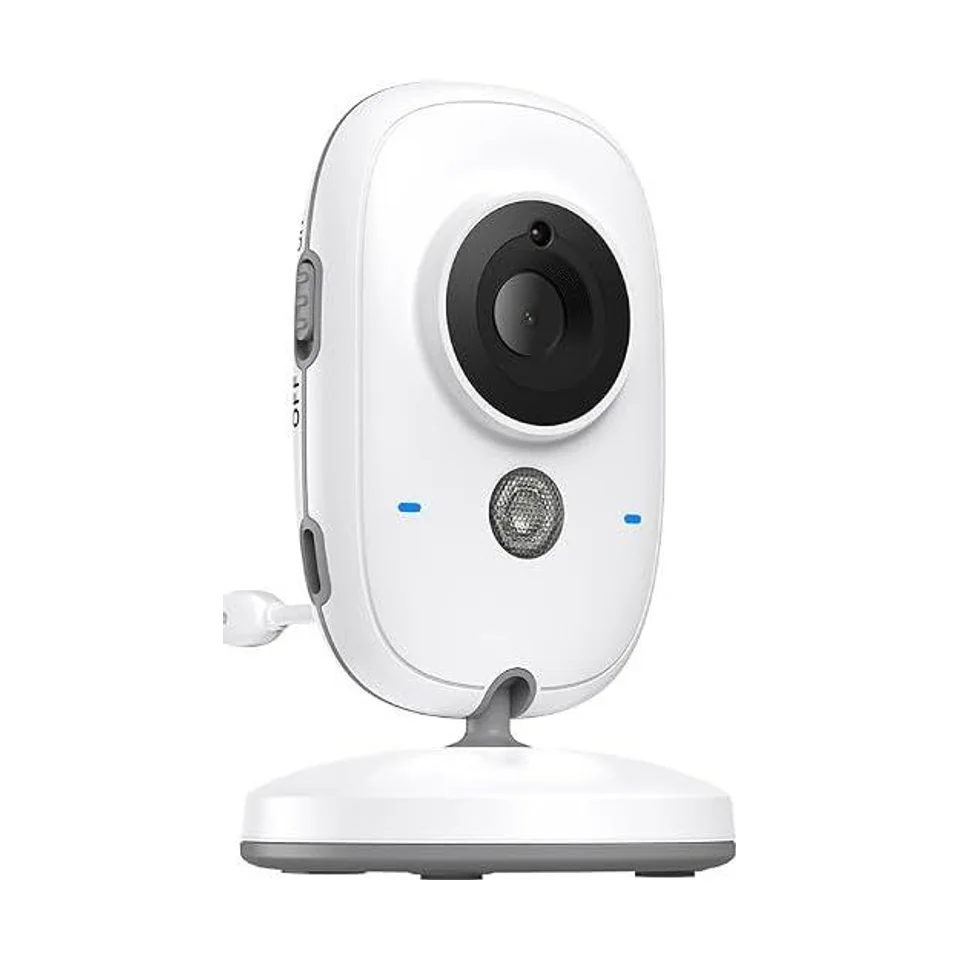
A baby monitor without WiFi links the camera and the monitor by a direct radio link. Nothing goes through your router or a server: the image goes from the camera to the screen, and that is all. For Boifun, the seller of the VB616 describes a private FHSS link on 2.4 GHz, “no WiFi, no app, no subscription”. FHSS means the link regularly changes frequency within the band, which limits interference.
In practice: nothing to configure, no account to create, and operation that is independent of an internet outage. In return, the image only exists on the monitor: there is no viewing from a phone.
What a WiFi baby monitor adds
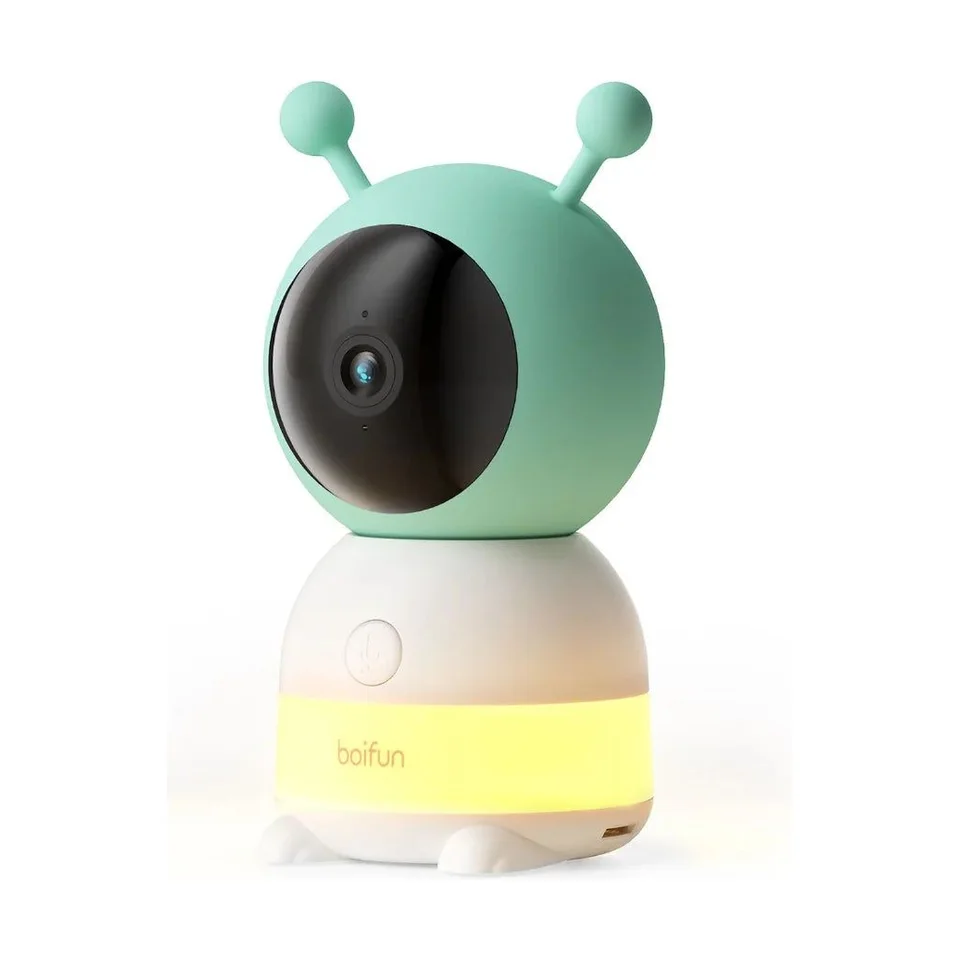
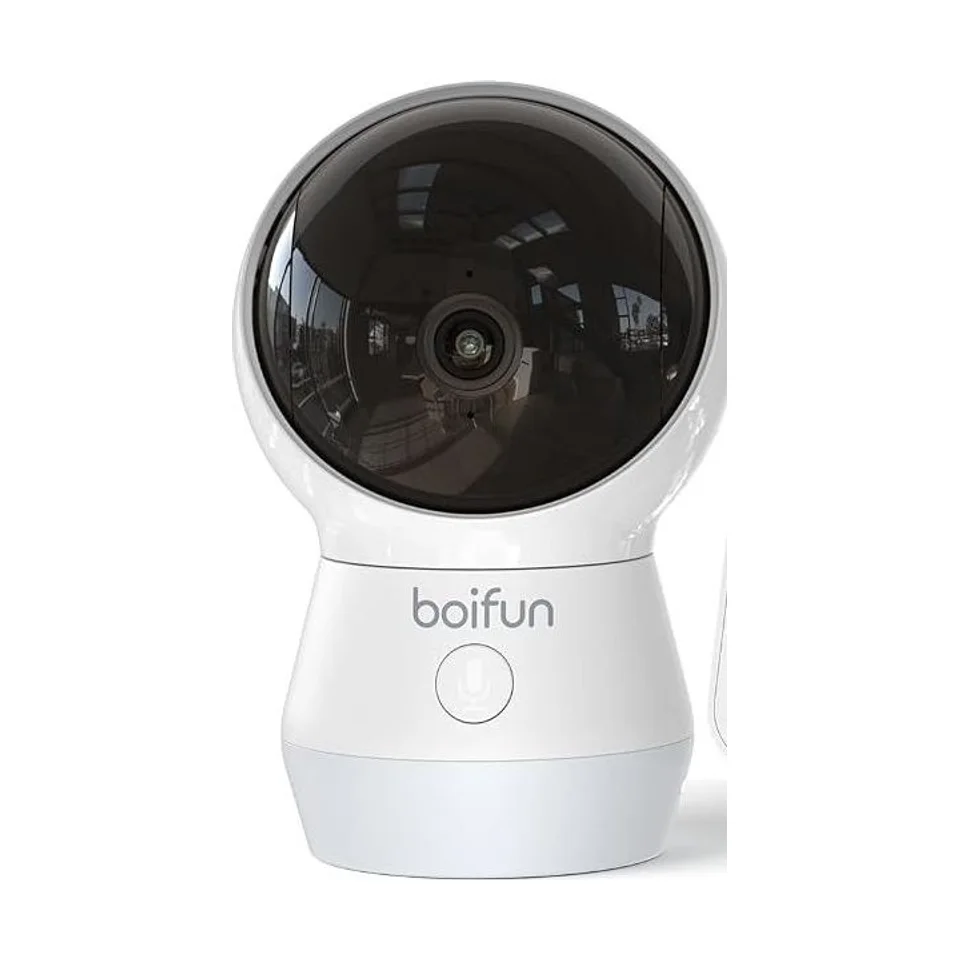
A WiFi model goes through your home network to send the image to an app. You can then watch from a phone, inside the house or elsewhere depending on the device and its settings. Boifun’s WiFi models also list recording to an SD card, cloud storage, and motion, crying or noise detection. Those features are listed by the seller and were not verified here.
It takes a little upkeep: a network within reach, a strong password, app updates. One technical point matters: some models are limited to 2.4 GHz WiFi, while others list dual band (2.4 and 5 GHz).
The criteria that decide
| If your priority is… | Lean towards… |
|---|---|
| Setup with no configuration | No WiFi |
| Watching from your phone | WiFi |
| Working even if the internet goes down | No WiFi, or WiFi with a local monitor |
| Keeping the image inside the house, no account | No WiFi |
| Recording clips | WiFi (SD card or cloud, as listed) |
Many WiFi models also come with a local monitor, so the choice is not always one or the other.
Safety and radiation: what to know
A direct link is not connected to the internet: the risk of hacking through that path disappears, without the device becoming invulnerable. A WiFi model exposes its image to an account and a network. The topic is covered, without drama, in the guide on baby monitor hacking.
As for radiation, “no WiFi” does not mean “no radio waves”: both families transmit by radio. The page on baby monitor radiation takes stock. For distance, baby monitor range depends mostly on your home.
In summary
No WiFi: simple, local, no app. WiFi: viewing on a phone, more features, more settings. In both cases, a baby monitor does not replace an adult being present.
Moving on to the models
To see the matching Boifun references, open the page on non WiFi baby monitors from Boifun or the one on the Boifun 2K WiFi range. If you have not been through all the criteria yet, the guide on how to choose a baby monitor goes over them in order.
Both families come from the same brand; the Boifun reviews page sets out what is known and what remains to be confirmed.
Frequently asked questions
How does a baby monitor without WiFi work?
The camera sends the image and the sound straight to the monitor over a radio link of their own. No network, no account and no app is involved. The device therefore keeps working even if the internet is down.
Does a WiFi baby monitor work without internet?
It depends on the model. Some list a local monitor or a direct connection in addition to WiFi: the image then stays available on the supplied screen, even without a network. Only viewing on a phone depends on it.
Which is safer, with or without WiFi?
A direct link is not connected to the internet, which removes exposure through that path. It does not make any device invulnerable. Our guide on hacking details the precautions for a connected model.