Boifun app: which models need it?
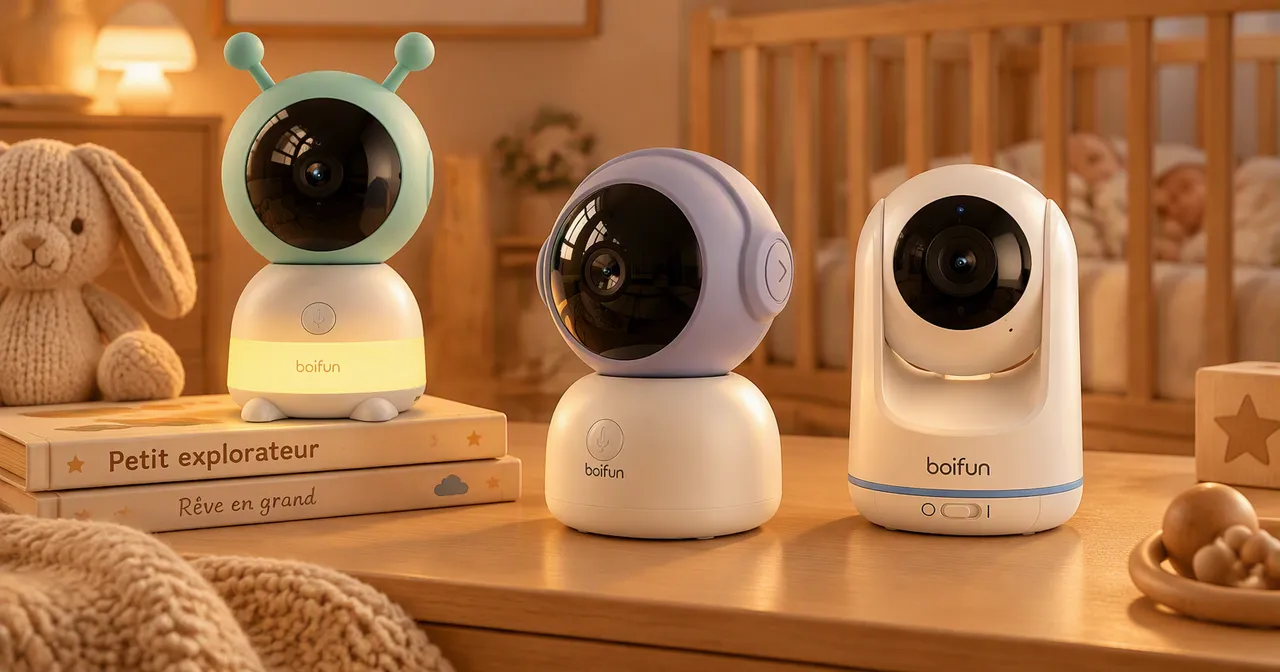
The Boifun app only concerns part of the range: the baby monitors that connect to WiFi. Models with a direct link do not need one, and their seller says so. This page shows which models use an app, what is listed, and what this site has not gathered, notably the exact name of the app and its versions.
Which Boifun models use an app?
| Family | App | Source |
|---|---|---|
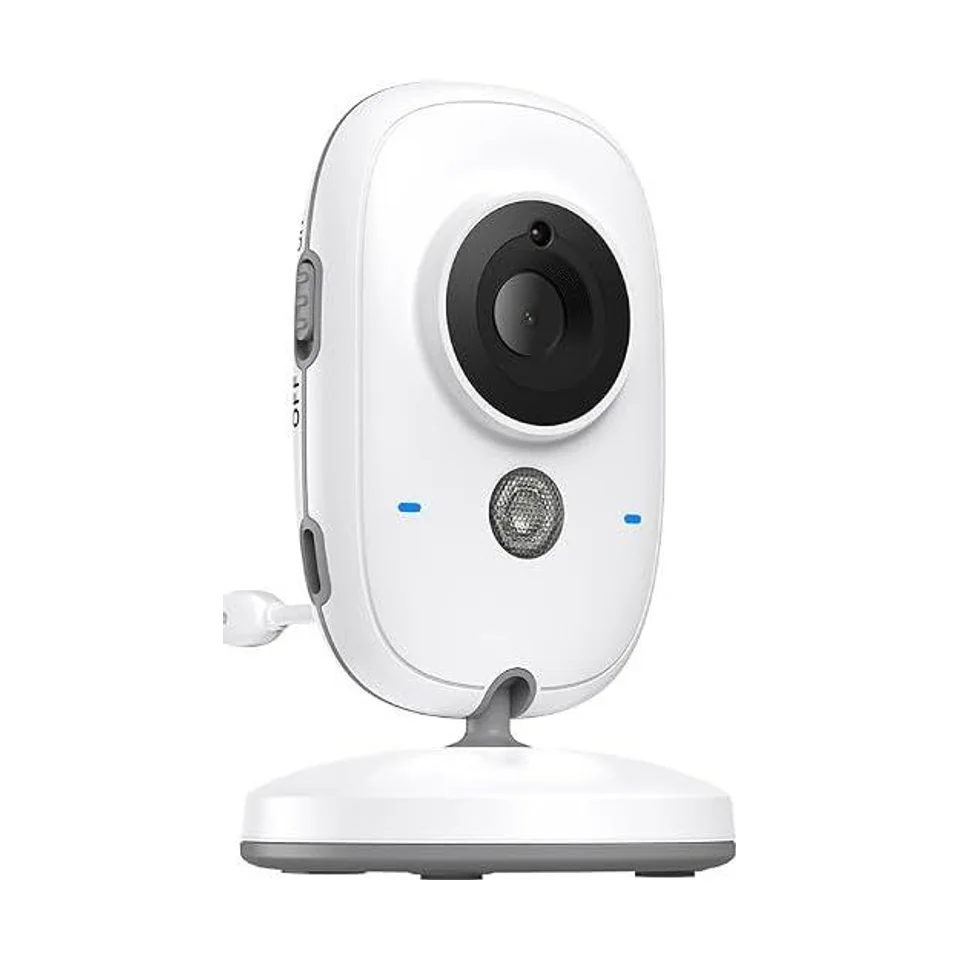
| VB616, VB616-2 | No: private link, no WiFi or app | Seller’s page |
| VB805, VB805-2 | Not disclosed (model listed without WiFi) | Site catalog |
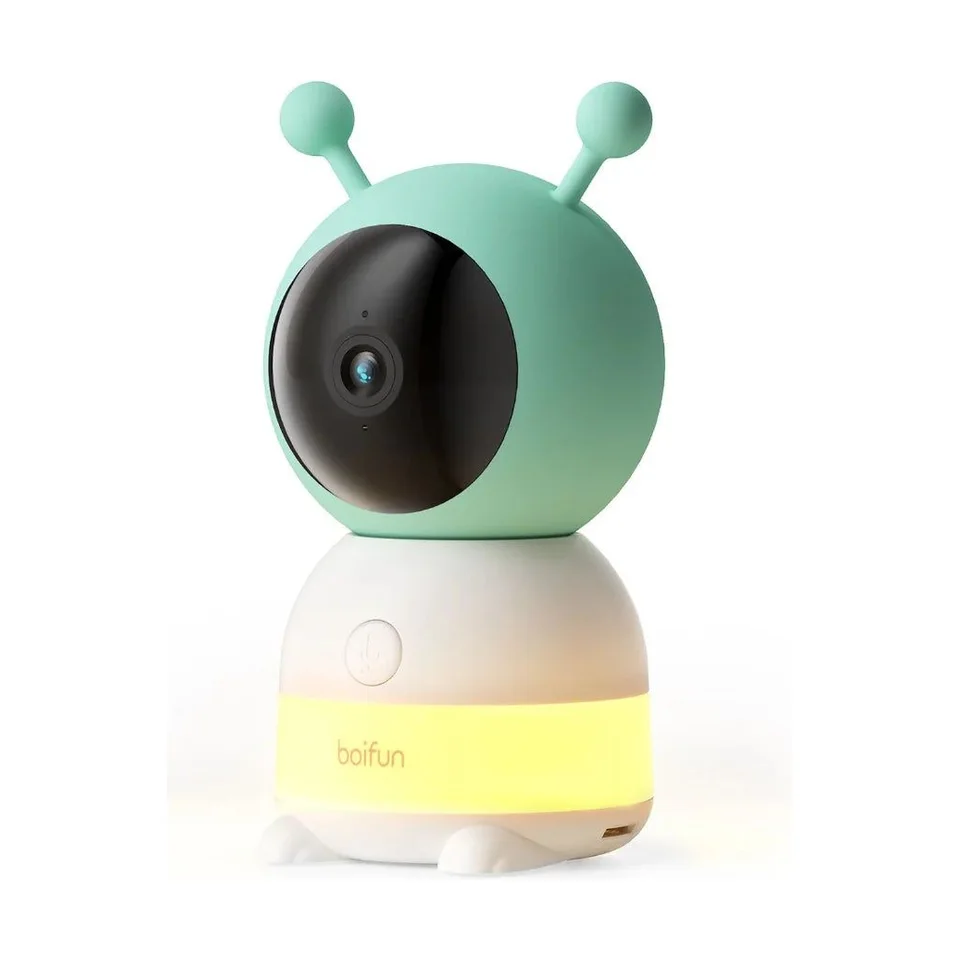
| Baby 6T, 6T-2 | Listed, 2.4 GHz WiFi; direct connection possible | Seller’s page |
| Baby 2TM, 2TM-2 | Listed (2K WiFi range), with a local monitor | Seller’s page |
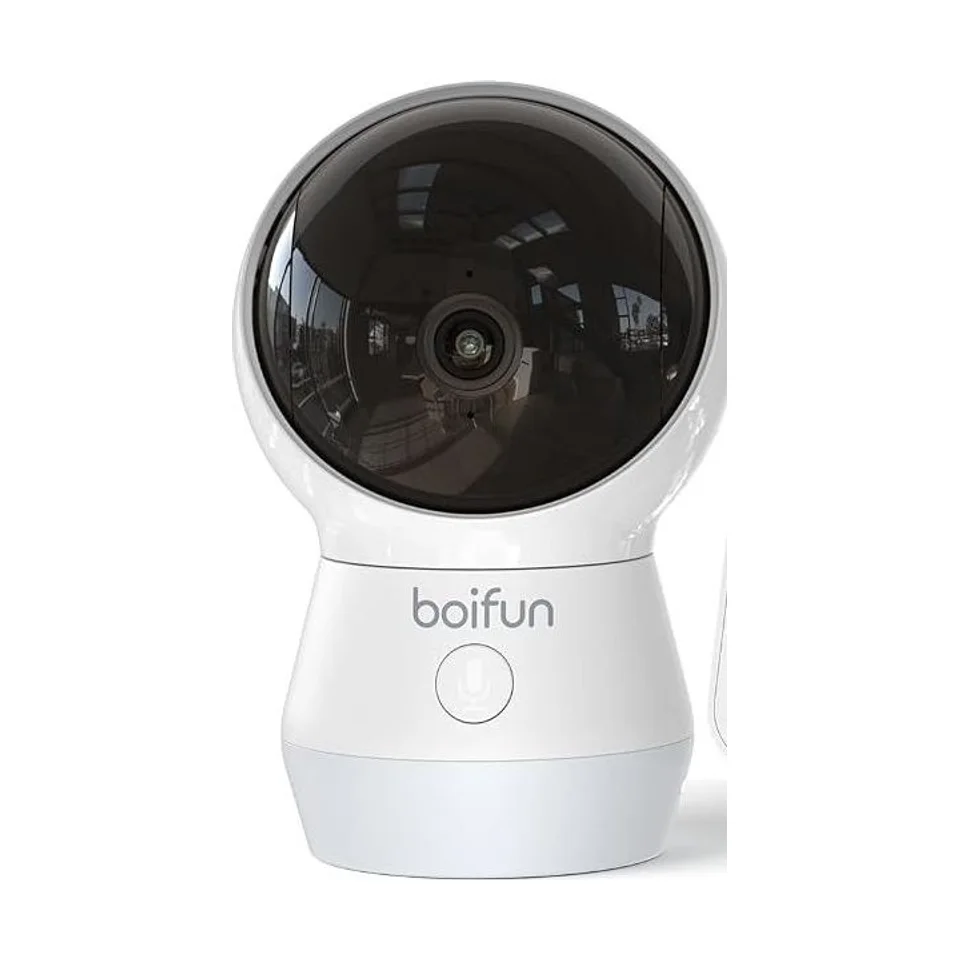
| Baby 4TM, 4TM-2 | Listed (2K WiFi range), 2.4 and 5 GHz WiFi | Seller’s page |
To compare these families, see the pages on non WiFi baby monitors from Boifun and the Boifun 2K WiFi baby monitor.
What the seller lists on the app side
For the WiFi range, the Amazon pages cite a dual connection (screen and app), recording to an SD card up to 128 GB, cloud storage and motion, crying and noise detection. These are listed features: this site did not try them, and it judges neither the smoothness of the app nor the quality of the alerts.
What this site has not gathered
The following points are not in our data, and we do not invent them:
- the exact name of the app and its download links;
- the compatible systems (iPhone, Android) and minimum versions;
- whether a computer version exists;
- whether cloud storage is free or needs a subscription.
That information is in your device’s manual or on the seller’s page. To find the manual, see the page on the Boifun baby monitor manual.
Before installing the app
- Check the network: for the Baby 6T, the seller lists 2.4 GHz WiFi with no 5 GHz. If your router only offers a 5 GHz network, turn on the 2.4 GHz band.
- Prepare a unique password for the app account, never reused elsewhere.
- Read the permissions requested at installation: access to the camera, the microphone, notifications. Accept only what the use requires.
A connected device calls for a minimum of care, detailed in the guide on baby monitor hacking. If the connection fails, the page on troubleshooting a Boifun baby monitor lists the checks to run.
App or monitor alone?
The supplied screen may be enough, and the app is an add-on for watching from a phone. The choice comes up at purchase: the guide on WiFi or no WiFi baby monitors explains when the app really brings something.
Reminder
An app does not replace an adult being present: a notification can arrive late, or not at all.
Frequently asked questions
Do I need an app to use a Boifun baby monitor?
It depends on the model. The VB616 seller presents it with no WiFi, no app and no subscription. The WiFi models (Baby 6T, 2TM, 4TM) list an app, while keeping a direct connection or a local monitor for the supplied screen.
What is the Boifun app called, and where do I download it?
Its name and download links are not in the data gathered for this site, and we do not state them. The exact name is in the product manual or on the seller’s page.
Why will my baby monitor not connect to WiFi?
For the Baby 6T, the seller only lists 2.4 GHz WiFi: a network set to 5 GHz only will not work. The troubleshooting page covers the useful checks.