Boifun baby monitor not working: black screen or no power
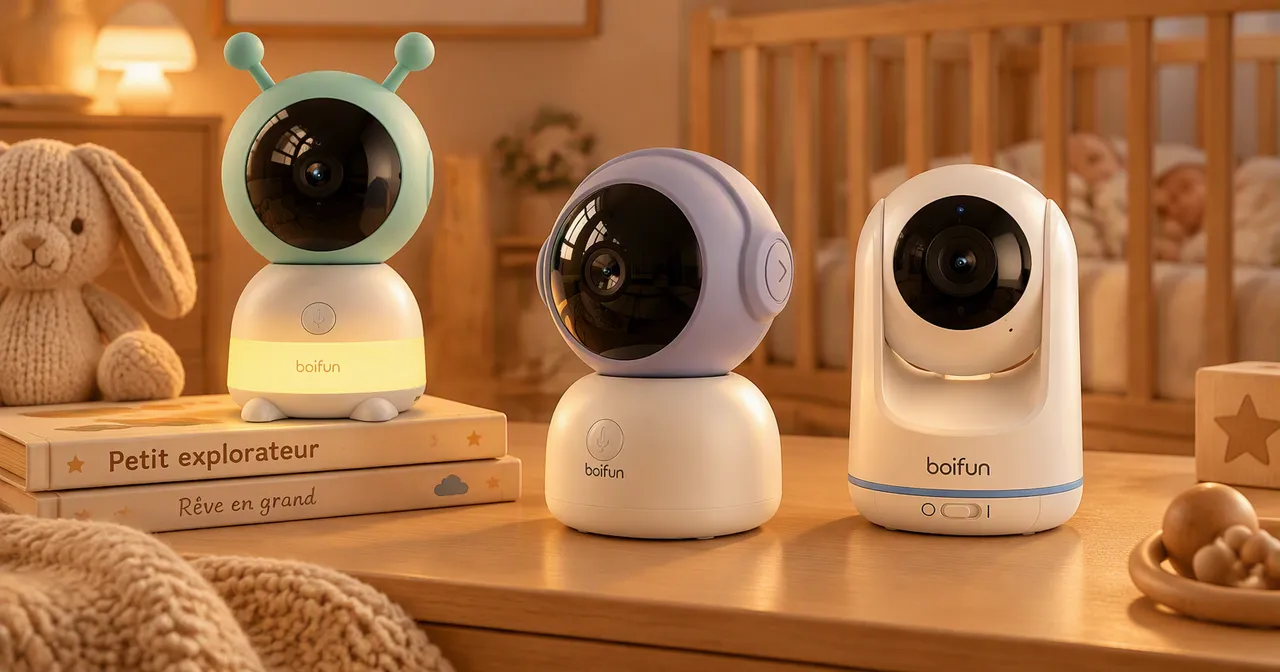
When a Boifun baby monitor misbehaves, it is usually at a bad moment: in the middle of the evening, or at bedtime. This page contains no repair or reset procedure, because none was gathered for this site. It lists the simple checks, in order of likelihood, before turning to the seller.
The screen is black
Several causes are harmless:
- VOX mode. In this mode the monitor only wakes at the slightest noise: a black screen in silence can be normal. See the page on the Boifun baby monitor manual.
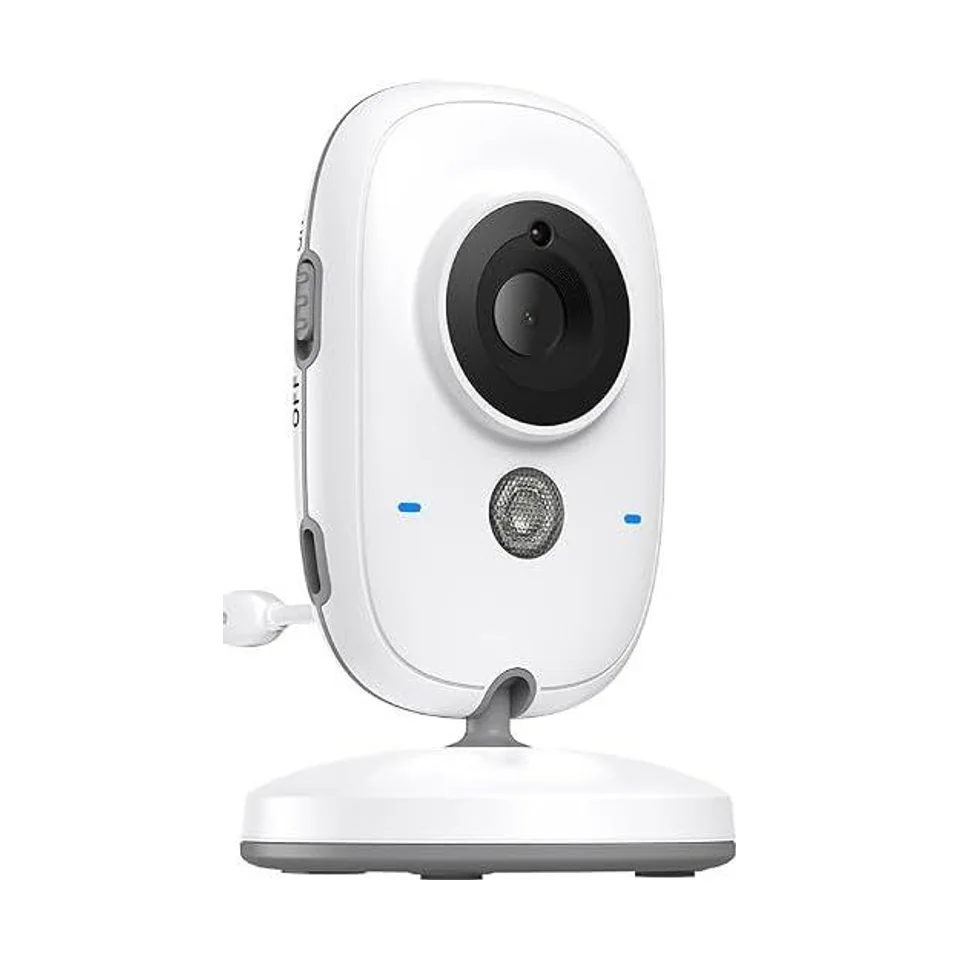
- The battery. A flat battery or an incomplete charge is enough to turn the monitor off. The VB616 seller lists USB-C charging for the screen.
- The cable or the adapter. Try another cable and another charger: this is often the simplest to test.
If the screen stays black after a full charge, or will not turn on at all, go to the next section.
The device will not turn on
- Charge it for several minutes with a cable and a charger you know work.
- Try another outlet.
- Unplug and replug the camera and the monitor, then restart them.
- If nothing responds, note the exact reference (VB616, Baby 6T…) and contact the seller: the warranty was not gathered for this site and depends on your purchase.
Image or sound cuts out
A dropout often comes from distance, a wall or interference. Baby monitors on 2.4 GHz share the band with WiFi routers and other devices. Move the camera closer, clear the line between the two devices, then check again. To understand what limits a radio link, read baby monitor range.
The WiFi connection fails
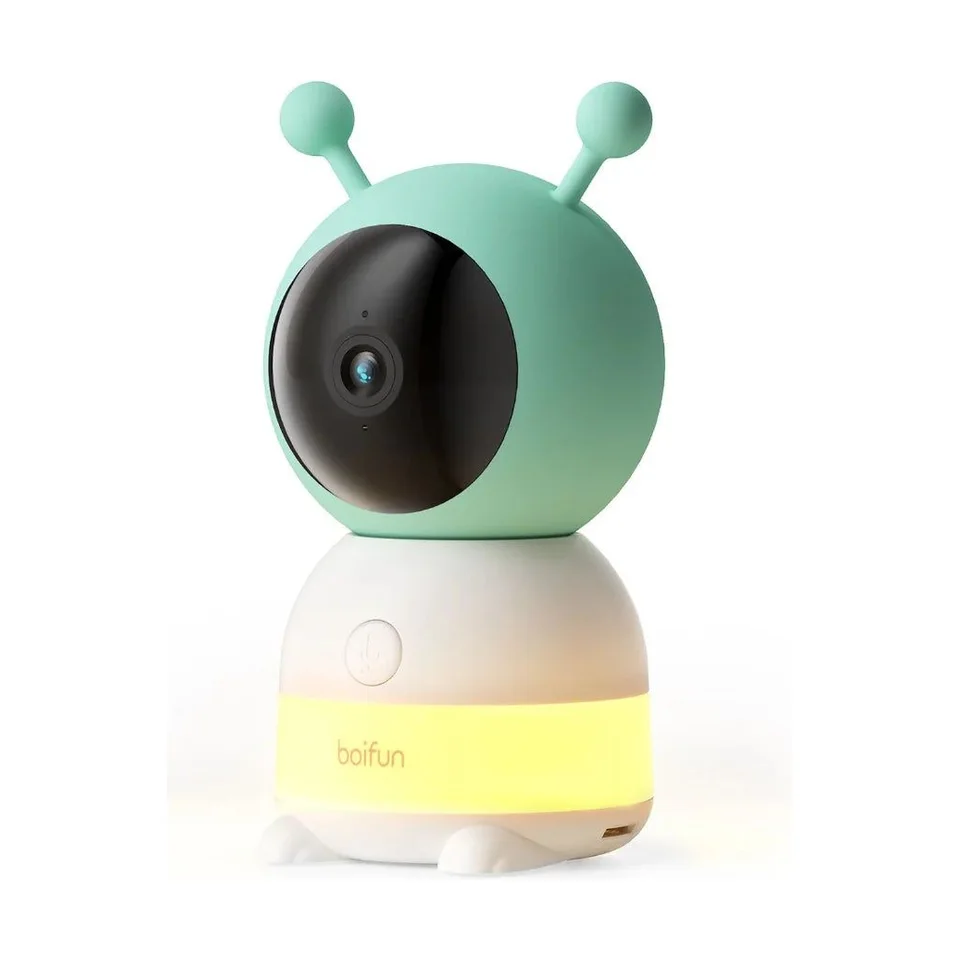
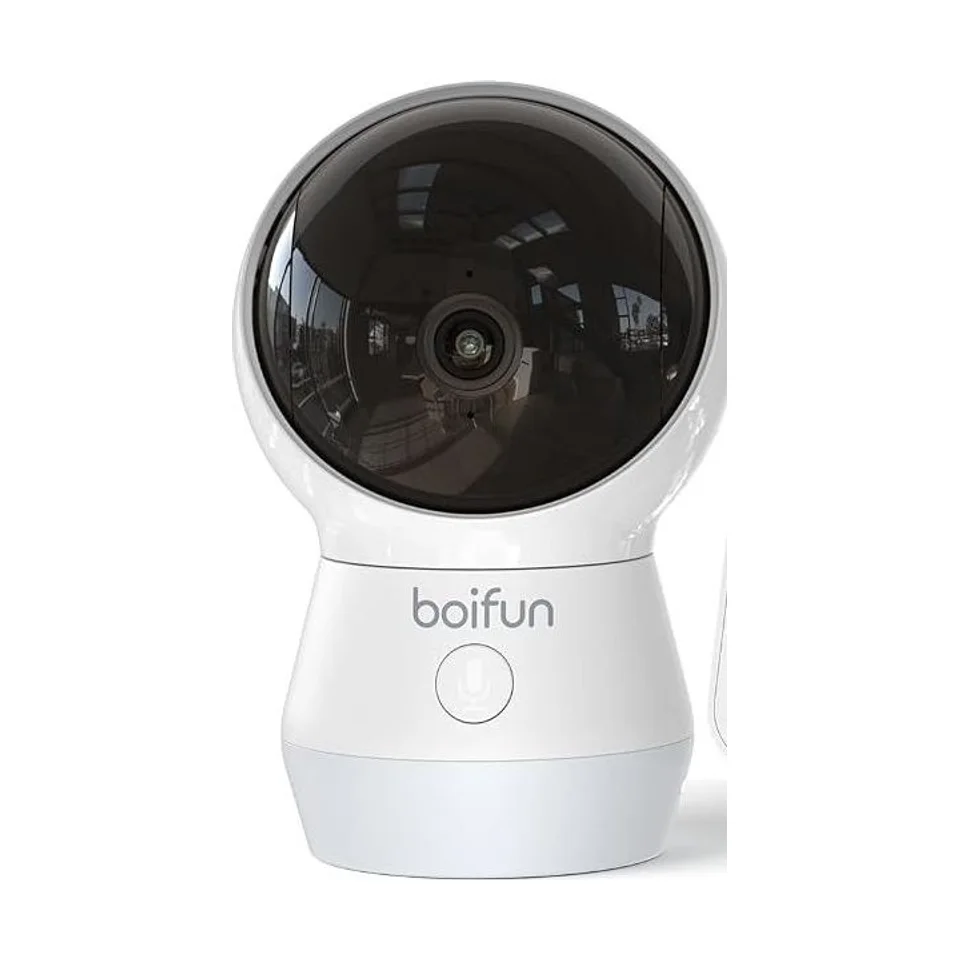
This concerns the WiFi models: Baby 6T, Baby 2TM and Baby 4TM.
- The Baby 6T only lists 2.4 GHz WiFi. A network set to 5 GHz only will not work.
- The network password must be entered without error, capitals included.
- Distance to the router: bring the camera closer for the test.
- The Baby 4TM lists dual band: it connects on 2.4 or 5 GHz.
For how the app works, see the page on the Boifun app.
Resetting the device
We do not describe a reset procedure: it varies by model, and your device’s manual is the only reliable source. A reset can erase the camera-monitor pairing or the WiFi settings, so the setup must be redone afterwards.
When to contact the seller
If the checks above change nothing, contact the seller you bought the device from, with the model reference, the purchase date and a description of the symptom. For what is known about the brand and what is not, see the page on Boifun reviews.
While you wait for a fix
Do not rely on a device whose operation is uncertain to watch your child. A baby monitor does not replace an adult being present, and even less so when it is not working.
Frequently asked questions
My Boifun baby monitor has a black screen: is it broken?
Not necessarily. In VOX mode the monitor can stay on standby as long as no noise is detected, and the screen then looks off. Also check the battery charge and the power supply before concluding it is faulty.
How do I reset a Boifun baby monitor?
The exact procedure was not gathered for this site: it depends on the model and is in its manual. It may erase the pairing between the camera and the monitor, which means pairing them again afterwards.
The Baby 6T will not connect to WiFi: what should I check?
The seller only lists 2.4 GHz WiFi for this model. Check that your router broadcasts on 2.4 GHz and that the password entered is exact.